
- Building with Akinda
Connect Akinda to Claude: Shariah Screening Inside Your AI (MCP Server)
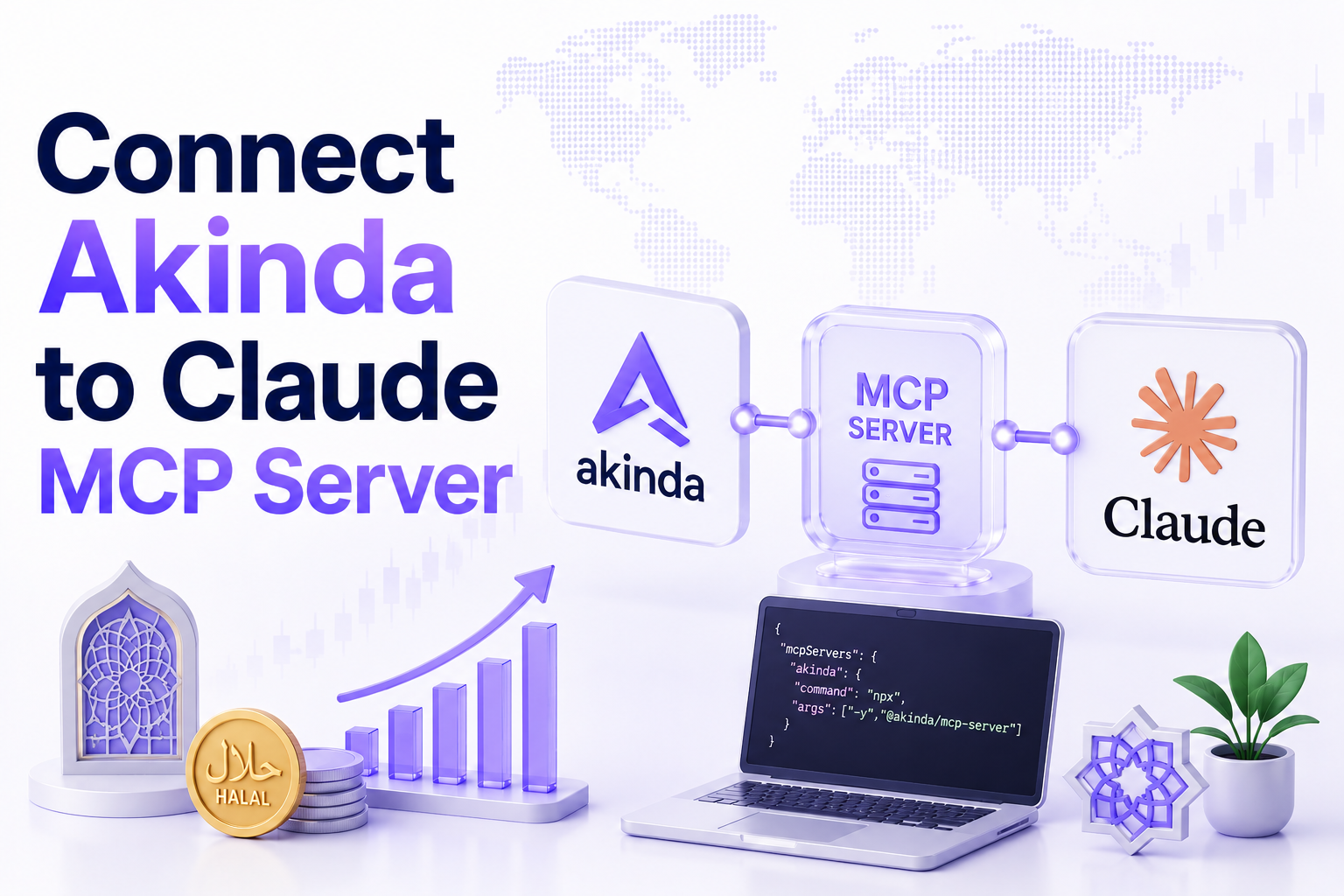
If you research stocks inside an AI assistant, you've probably hit the same wall we did: the compliance check always lives somewhere else. You ask Claude to analyse a company, then you break the flow, open a dashboard or call a REST endpoint, copy a ticker, read a verdict, and paste it back. Akinda now closes that gap. Akinda runs as an MCP (Model Context Protocol) server, so you can connect it directly to Claude and simply ask, “Is Apple halal?”, and Claude pulls the answer from Akinda's audited data without you ever leaving the chat. As far as we know, it's the first halal stock screening MCP server, and this guide is the complete walkthrough: what it is, the tools it adds, how to connect it in about a minute, and how it stays trustworthy.
Quick Answer Akinda's MCP server lets Claude call five Shariah-screening tools in plain language. Add the connector once using the remote MCP server URL https://b2b-api.akinda.io/mcp, sign in with the Google account on your Akinda subscription, and Claude can check any ticker's compliance, return AAOIFI ratios, run a full report, screen a whole portfolio, and calculate dividend purification, all backed by the same data as the Akinda dashboard and REST API, metered on your own plan. |
Key facts First of its kind: believed to be the first halal stock screening MCP server for Claude. |
Table of Contents
- Why we built a halal screening MCP server
- What an MCP server is (and why it matters for stock analysis)
- The five tools Akinda adds to Claude
- Who it's for
- How to connect Akinda to Claude, step by step
- Example prompts to try
- How it stays trustworthy
- Scope and limitations
Why we built a halal screening MCP server
Akinda started as a research platform and a developer-grade REST API for AAOIFI-compliant Shariah stock screening, the first of its kind. That covered two audiences well: investors using the dashboard, and engineers wiring compliance into their own apps. But a third audience kept growing, people who now do most of their analysis inside an AI assistant. For them, even a great API is friction: it means leaving the conversation, authenticating, formatting a request, and interpreting a response, for every single ticker.
The Model Context Protocol changed what was possible. Instead of asking developers to integrate our API by hand, we could expose Akinda's screening as tools an AI can call on its own. So we built and shipped Akinda as an MCP server, which, as far as we're aware, makes it the first halal stock screening service you can plug straight into Claude. The design goal was simple: make Shariah compliance a question you ask, not a workflow you run.
What an MCP server is (and why it matters for stock analysis)
The Model Context Protocol is an open standard, created by Anthropic, that defines how AI applications connect to external tools and data. A directory connector is a pre-built integration you add in a click; a custom connector lets you connect Claude to any service that exposes a remote MCP server, using just its URL. Once connected, the server registers a set of tools, and Claude can decide to call them during a conversation, pulling structured data back and reasoning over it in the same reply.
For stock analysis, that distinction matters. Without a connector, Claude only knows what's in the conversation and whatever you paste in, and it can't verify a live Shariah verdict. With Akinda connected, Claude gains real, current screening data it can call the moment a compliance question comes up, then combine with everything else it does: summarising a business, weighing a valuation, or explaining why a holding failed a screen. The compliance check stops being a detour and becomes part of the same thought.
The five tools Akinda adds to Claude
Once connected, Claude can call any of five read-only Akinda tools. Each maps to a specific screening job, and each is a single metered API request gated by the same plan tiers as the REST API:
| Tool | What it returns | Plan |
|---|---|---|
| akinda_check_compliance | A Shariah verdict for one ticker | Standard+ |
| akinda_basic_report | The verdict plus the three core AAOIFI ratios | Standard+ |
| akinda_full_report | The full report, with AI-extracted figures and the Akinda ranking | Ultimate |
| akinda_screen_portfolio | A verdict for a whole list of tickers at once | Per plan |
| akinda_calculate_purification | How much of a dividend to purify | Per plan |
Verdicts come back as Halal, Not Halal, Doubtful, or a no-data state when coverage is missing. The three AAOIFI ratios and the full report mirror exactly what you'd get from the dashboard and the REST endpoints, so an answer in Claude is the same answer you'd defend anywhere else. On the tiering: Personal Standard covers verdicts and basic reports, while the full report unlocks on Personal Ultimate. A free Akinda plan can connect the tools, but calls return an upgrade message until you're on a paid plan.
Who it's for
This is built for anyone who lives in an AI assistant and cares about Shariah compliance, especially:
- Solo developers and indie builders who prototype and analyse in Claude and want compliance data on tap without scaffolding an integration first.
- AI-first investors and analysts who research stocks, build watchlists, or reconcile a portfolio in chat and want the halal check in the same place.
- Anyone chaining workflows, because the real power is combining tools: “screen my portfolio, then explain why the two non-compliant names failed,” in one prompt.
If you're building a product rather than analysing in chat, the same engine is available as the Akinda Halal API and its developer docs, the MCP server and REST API share one source of truth.
How to connect Akinda to Claude, step by step
The recommended method is Sign in with Google, no API key to copy or store. It takes about a minute and works the same in the Claude desktop app and on claude.ai. Custom connectors are available across Claude's plans (Free, Pro, Max, Team, and Enterprise), with Owners adding connectors on Team and Enterprise; note that a free Claude plan is limited to one custom connector.
- Open your profile in Claude (bottom-left of the sidebar), then open Settings (shortcut: Ctrl + ,).
- In the left menu, open Connectors.
- Click Add (top-right), then choose Add custom connector.
- In the dialog, give it a name (e.g. Akinda MCP) and paste the Remote MCP server URL. Leave Advanced settings empty, Claude registers itself automatically.
| https://b2b-api.akinda.io/mcp |
- Click Add to save the connector.
- Find Akinda MCP in your connectors and click Connect. A browser tab opens, choose the Google account on your Akinda subscription, approve, and it returns to Claude. Akinda never sees your Google password.
- Done. Claude now shows Akinda connected with its five read-only tools. Ask “Is AAPL halal?” and Claude will use them.
The complete walkthrough, including the API-key method and the exact tool tiers per plan, lives in the MCP Server section of the developer docs.
Example prompts to try
Because the tools are callable in natural language, you don't need to remember tool names, just ask. A few that map cleanly onto the five tools:
- “Is AAPL halal?” - a quick compliance verdict.
- “Show me the AAOIFI ratios behind Microsoft's verdict.” - the basic report.
- “Give me the full Shariah report for NVDA, with the figures and ranking.” - the full report.
- “Screen these 30 tickers and list the non-compliant ones.” - portfolio screening in one call.
- “How much of my dividend from this stock should I purify?” - the purification calculator.
And because Claude can chain tools with its own reasoning, the most useful prompts combine them, for example, screening a whole watchlist and then asking Claude to explain, in plain English, which financial ratio pushed each failing name over the line.
How it stays trustworthy
Putting screening inside an AI only helps if you can trust what comes back. A few deliberate design choices keep it dependable:
- One source of truth. The MCP tools return the same audited data as the dashboard and REST API, there's no second, looser dataset for the AI.
- Read-only by design. All five tools are read-only; the connector retrieves screening data and cannot change anything in your account.
- Your plan, your limits. Every call is one metered request on your own subscription, so your rate, bandwidth, and monthly limits apply exactly as they do everywhere else, no surprises.
- Password-free auth. Sign in with Google means there's no API key to leak, and Akinda never sees your Google password.
Underneath it all is the same governance as the rest of Akinda: a documented, AAOIFI-based screening methodology overseen by a qualified Shariah advisor. That's what lets you treat a verdict in Claude as something you can stand behind, not a black-box guess.
Scope and limitations
In the interest of trust, it's worth being just as clear about what this is not. Akinda's screening is informational, based on reported financial data; it is not a fatwa and does not replace a qualified scholar. Values are expressed in each stock's native currency and are never FX-converted, so keep that in mind when comparing across markets. And because compliance shifts as a company's financials change, a verdict is a point-in-time answer, re-screen holdings periodically rather than assuming a past result still holds. Used with those caveats in mind, the MCP server is a fast, reliable way to bring Shariah screening into the place you already think.
About Akinda
Akinda operates the first developer-grade API for AAOIFI-compliant Shariah stock screening, now extended to AI assistants via this MCP server. Its screening is built on a published methodology, overseen by a qualified Shariah advisor, and available through the dashboard, the REST API, and now Claude. See current tiers on the pricing page.
Frequently asked questions
What is the Akinda MCP server?
It's Akinda's Shariah stock screening exposed as a Model Context Protocol server, so an AI assistant like Claude can call it directly. You add it as a custom connector once, and Claude gains five read-only tools for checking compliance, returning AAOIFI ratios, running full reports, screening portfolios, and calculating purification, all backed by the same data as the Akinda dashboard and REST API.
How do I connect Akinda to Claude?
In Claude, go to Settings, then Connectors, click Add, and choose Add custom connector. Name it (e.g. Akinda MCP), paste the remote MCP server URL https://b2b-api.akinda.io/mcp, and click Add. Then click Connect and sign in with the Google account on your Akinda subscription. Claude will show Akinda connected with its five tools, ready to use in plain language.
Do I need an API key?
No, the recommended method is Sign in with Google, which requires no API key to copy or store, and Akinda never sees your Google password. There is also an API-key method documented in the developer docs if you prefer it, but for most users the Google sign-in flow is faster and simpler.
Do I need a paid plan?
You need a paid Akinda subscription for the tools to return data, a free Akinda plan can connect the connector, but tool calls return an upgrade message until you upgrade. On the Claude side, custom connectors are available across Free, Pro, Max, Team, and Enterprise plans (a free Claude plan is limited to one custom connector). Which Akinda tools you can call depends on your Akinda tier.
Is the AI's verdict as reliable as the dashboard?
Yes, the MCP tools return the same audited data as the Akinda dashboard and REST API, governed by the same AAOIFI-based methodology and Shariah advisor. There's no separate, looser dataset for the AI. The verdict you see in Claude is the verdict you'd see anywhere else in Akinda.
Is this a fatwa?
No. Akinda's screening is informational, based on reported financial data, and does not replace a qualified scholar. It's a rigorous, transparent tool for screening at scale, but final religious rulings rest with you and qualified scholars. Values are shown in each stock's native currency and are not FX-converted.
Sources
Akinda MCP Server documentation – official setup guide, both connection methods, and per-plan tool tiers.
Claude Help Center – custom connectors using remote MCP – how custom connectors work and which plans support them.
AAOIFI Shari'ah Standard No. 21: Financial Paper (Shares and Bonds) – the standard the Akinda API's screening methodology is built around.
Build with the Akinda Halal API The developer-grade API for AAOIFI-based Shariah stock screening. Start on the free tier, scale when you ship. 📚 Docs: b2b.akinda.io/developer/docs 💳 Pricing: b2b.akinda.io/pricing 🔑 Get a key: b2b.akinda.io/dashboard |
Disclaimer
This article is about a software product and is for general information only. It is not financial or religious advice. Automated Shariah screening produces data-driven signals, not a fatwa; integrators should pair it with their own Shariah governance and consult qualified scholars. API features, endpoints, coverage, and pricing change over time, so verify current details on b2b.akinda.io before building.